



Prebook Melbourne Airport Parking Prebook Melbourne Airport Parking Terminal parking, tarmac to gate
A wet Melbourne Airport car park approach lane at night with a covered link bridge and a car entering under the boom

Prebook walkthrough

Prebook and enter Melbourne Airport parking

Booking is the easy part. This walkthrough covers the online flow, the QR code that opens the barrier, the payment methods that work, and what to do when your dates move.

A booking holds one car park for your dates and emails a QR code for entry and exit.

What prebooking actually gets you at Melbourne Airport

Prebooking holds a specific car park for your dates before you travel, through the airport's online booking flow. That matters most on peak mornings, school holidays and long weekends, when the terminal car parks can fill. It also means you know which lot you are driving to before you leave home, instead of choosing at the gate with the wipers on.

The booking covers entry and exit for your stated period. Everything else arrives in your confirmation email: the car park you picked, the dates you paid for, and the QR code you will use at the barrier. Nothing is posted to you, and nothing needs printing.

This page covers the same flow whether you have chosen a terminal car park or a Value site. If you are still deciding between the two, the terminal parking and Value car park comparison covers walk times, shuttle routes and which lot suits which terminal.

Step one

Match the car park to your terminal

Before you book, decide which product fits your flight. Pick the wrong terminal and you add a transfer you never planned, which is the one mistake that turns a tidy prebook into a dash.

  • T123 Terminal Covered link bridge straight into Terminals 1, 2 and 3. Walk under shelter the whole way.
  • T4 Terminal Sits roughly 100 metres from Terminal 4. Best fit for domestic T4 departures.
  • Value North Serves every terminal by courtesy bus. A sensible choice for a T2 international flight.
  • Value South Serves Terminal 4 only, by courtesy bus. Pairs well with a domestic T4 departure.

If your flight is a T4 domestic departure, Value South or T4 Terminal both work. If it is a T2 international flight, T123 or Value North are your options. The Value car park guide goes deeper on shuttle timing and the courtesy bus stops.

A covered pedestrian link bridge at Melbourne Airport at night with warm light behind wet glass
The T123 covered link bridge crosses the approach road and connects straight into Terminals 1, 2 and 3.
Compare T123 and T4 parking

Walk times and terminal access, side by side.

Step two

Complete the online booking

The booking runs through the airport's online flow, and that is where live rates sit. Compare your exact dates across the products there rather than trusting a rate you saw quoted elsewhere or remembered from last trip. Prices shift with demand, length of stay and how far ahead you book.

Enter your travel dates, choose your car park, add your vehicle details, then pay. The car parks are cashless. Melbourne Airport says Google Pay is accepted for parking bookings and for entry and exit. Once payment clears, your confirmation email arrives with the QR code that grants access.

Plan around how far ahead you book

  • Now
  • Next 24 hours
  • Within 7 days
  • A month out

Booking within seven days of travel still works, but the choice of lot narrows as spaces go. Booking a month out leaves every product on the table, including the Value sites when the terminal lots are full.

A wet car park entry barrier arm and unlit reader housing at a Melbourne Airport car park
The barrier reads your QR code at the boom. Keep the code saved before you leave home.

Before you set off

  • Code saved in your wallet or as a screenshot
  • Phone charged, or the code on a second device
  • A backup card that is not about to expire
  • Confirmation email open on your phone

Step three

Understand the QR code entry

Prebooked parking uses a QR code from your confirmation email, and the airport says it works for both entry and exit. Three ways to carry it all open the barrier. Hover or tap a card to read the printed reverse.

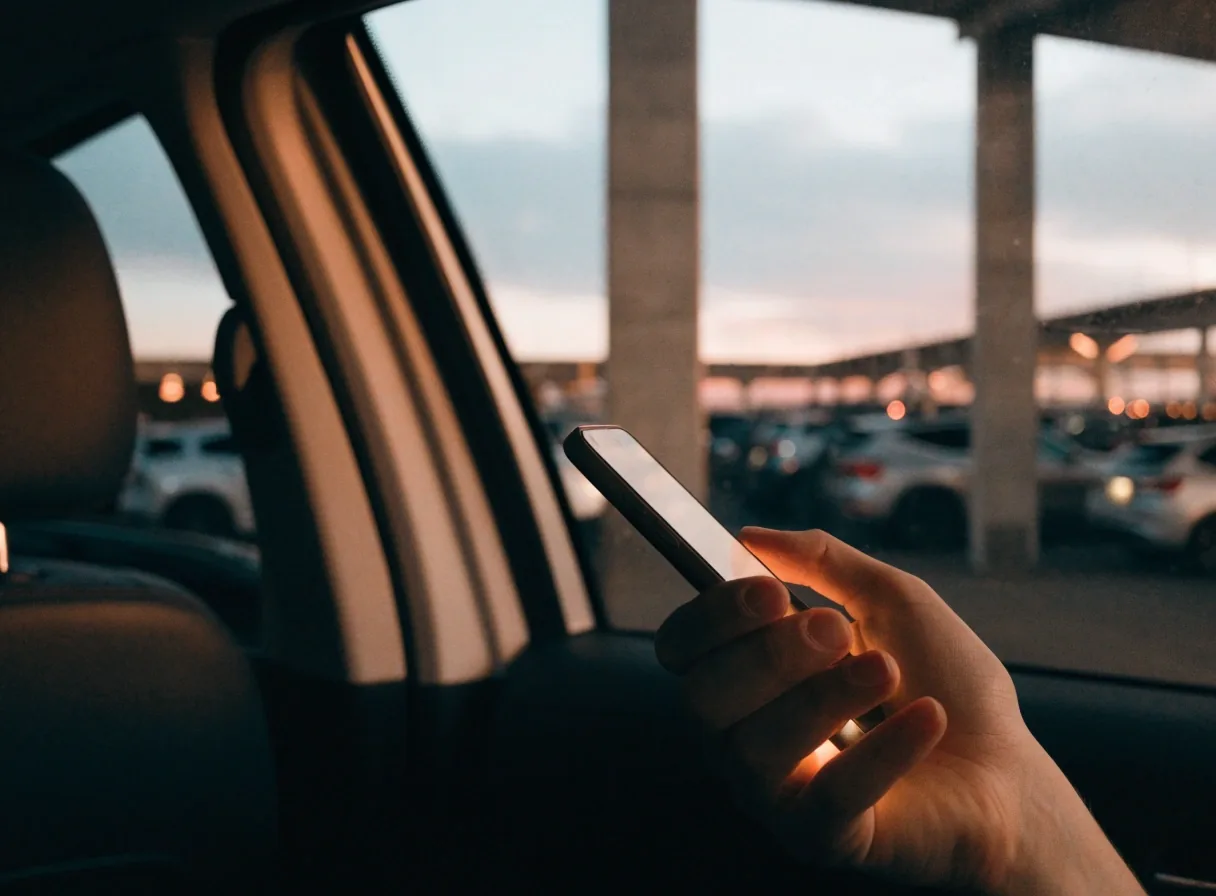
A hand holding a glowing phone inside a car at a Melbourne Airport car park at dusk

Phone wallet

Entry and exit

Store the code in Apple Pay or Google Pay so it sits with your cards.

Printed reverse

Wallet copy

  • Add the code once, before you drive
  • Works if you lose signal at the barrier
  • Opens a saved item in two taps
  • Keep your phone charged for both ends of the trip

Packed luggage in an open car boot at a wet Melbourne Airport car park at night

Screenshot

Entry and exit

A saved image works without apps, signal or an unlocked wallet.

Printed reverse

Screenshot copy

  • Save it the moment the email lands
  • Brighten the screen at the boom
  • Do not crop the code edges when saving
  • Handy if your wallet app will not open
A car waiting at a wet Melbourne Airport car park exit with a raised boom arm at night

Same code out

Exit side

One code covers the exit as well, so there is nothing to pay at the boom.

Printed reverse

Exit copy

  • Keep the code until you have driven out
  • Scan again at the exit boom, not the entry one
  • Overstayed? Amend the booking rather than paying at the gate
  • Battery check before the drive back matters most

Whichever you choose, check that your phone has battery before you drive. A dead phone is the one thing that turns a smooth entry into a conversation at the intercom, and the fix is free: save the code before you leave home.

Payment at the barrier

Payment methods that work

The car parks are cashless, so plan around a card or a phone wallet before you travel. Melbourne Airport says Google Pay is accepted for bookings and for entry and exit in cashless car parks, alongside the card options in the online flow. Apple Pay handles the stored QR code if you use it that way.

If you are driving a rental, check that the payment method you use is yours and not tied to a card that could be cancelled mid-trip. Bring a backup card. Payment questions that need a human go through the airport's parking help centre, which the confirmation email points to.

  • Google Pay Accepted for bookings and at the barrier, per Melbourne Airport.
  • Apple Pay A good home for the stored QR code from your confirmation.
  • Card in the online flow Used at the point of booking, alongside the wallet options.
  • A backup card Sensible when a rental, a corporate card or a replacement is in play.

If your plans change: manage my booking

Flights move, and parking should move with them. Use the manage my booking option referenced in your confirmation email to amend or cancel, rather than starting a fresh booking. That is what keeps your dates aligned and your QR code valid for the right window.

The airport directs booking-related changes and questions through its parking help centre. Check your confirmation email for the specific amendment window that applies, because that is where the terms live. Sort it as soon as you know, not on the morning of travel.

Dates shifted Amend the booking so the entry and exit times match your new flights. Do it as soon as the change is confirmed, while the lot you want still has space.
Different lot Swapping between a terminal car park and a Value site is a booking change, not a drive-up decision. Handle it in the manage option so your code matches the barrier you arrive at.
Trip cancelled Cancel through the same booking record rather than leaving the space held. Your confirmation email carries the window that applies to cancellations.
Code will not scan Have your booking reference and confirmation email to hand. Booking help can look up the record, and a shuttle or transfer question is answered by the same team.
Still deciding Compare the products before you commit, then book once. A booking you amend twice is usually a booking that should have started with a different lot.
Get booking help and support

Booking reference and confirmation email ready, please.

Drive-up versus prebook

Drive-up still exists in the cashless car parks, with payment taken at the barrier. What it does not do is hold the car park you wanted on a busy day, and it does not give you the prebooked QR code for a smooth exit.

On an ordinary Tuesday the difference may be small. On the Friday before a long weekend, it is the difference between the T123 lot and a bus ride you did not choose. Prebooking locks the product and the dates and gives you the code in advance, which matters most when the terminal car parks fill.

Compare
Drive-up
Prebooked
Car park held
No, subject to space
Yes, for your dates
QR code in advance
No
Emailed after payment
Payment point
At the barrier
Online, before travel
Changing plans
Nothing to amend
Amend or cancel in the booking

Whichever route you take, the car parks are cashless. Prebooking stays the safer choice for peak travel mornings and school holiday departures.

An empty wet shuttle stop kerb at Melbourne Airport at first light

Where to get help with a booking

If the QR code will not scan, or the barrier behaves oddly, the airport's parking help centre is the first stop. It covers car park and booking enquiries and lists a contact phone number for parking assistance. Have your booking reference and confirmation email ready, because support will need them to look up your record.

For live rates and availability, use the airport's Parking & Transport page and its online booking flow, not a cached page or a forum post from a previous season. If your question is about a courtesy bus stop or a transfer between terminals, the shuttles, transport and help page covers it.

Parking enquiries

Level 2, Terminal 2, Departure Drive, Melbourne Airport, VIC 3045, Australia

Phone and hours

+61 3 9297 1600 · Open 24 hours, 7 days a week

Prebooking questions, answered

The four things travellers ask most about the online flow, QR code entry, payment and changing a booking.

What do I use to enter a prebooked car park?

Prebooked parking uses a QR code from your confirmation email for both entry and exit, according to Melbourne Airport. You can store it in Apple Pay or Google Pay or keep a screenshot on your phone. Make sure the code is saved and your phone is charged before you drive.

Can I pay with Google Pay or Apple Pay?

Melbourne Airport says Google Pay is accepted for parking bookings and for entry and exit in cashless car parks, and prebooked QR codes can be stored in Apple Pay or Google Pay. The car parks are cashless, so a card or phone wallet is needed. A backup payment method is sensible.

Can I change my parking dates after booking?

Yes, use the manage my booking option referenced in your confirmation email to amend or cancel. The airport routes booking-related changes through its parking help centre, which also lists a contact phone number. Check your confirmation for the applicable amendment window.

Is it worth prebooking rather than paying at the barrier?

Prebooking holds a specific car park for your dates and gives you the QR code in advance, which matters on peak travel mornings when lots can fill. Drive-up payment is still available in the cashless car parks but does not hold the product you wanted. Booking ahead is the safer choice for busy periods.

Still weighing up which lot suits your flight? The Value car park guide and the terminal parking comparison both cover walk times and shuttle access.

Ready when your dates are

Pick the car park that matches your terminal, book through the airport's online flow, and save the QR code before you drive. If anything needs changing after that, the manage my booking option in your confirmation email keeps your dates and your code aligned.